• Skip to primary navigation
  • Skip to main content
  • Skip to primary sidebar
Home
About Us Contact Us Advertising
Articles
Budgeting Debt Frugal Insurance Investing Making Money Retirement Saving Money
Tips
Money Saving Tips Trash Audit
Make Money Forums Blogs
Create a Blog Control Panel All Entries All Blogs
Tools
Calculators Prescription Drug Coupons Online Savings Accounts Test Your Knowledge Financial Directory Credit Cards

SavingAdvice.com Blog

Bridging the gap between saving money and investing

Subscribe


Welcome Back, !

  • Home
    • Advertising
  • Tips
    • Money Saving Tips
    • Recycle, Reuse and Repurpose
  • Make Money
  • Credit Score Guide
  • Forums
  • Blogs
    • Create a Blog
  • Tools
  • Financial Basics
    • Back to Basics: Saving Money
    • Back to Basics: Beginners Guide to Retirement
    • Back to Basics: What Every Child Under 10 Should Know About Personal Finance
    • Back to Financial Basics: Investing In Stocks

10 Ways You’re Being Tracked Online—Without Your Consent

June 30, 2025 by Amanda Blankenship
online tracking
Image Source: 123rf.com

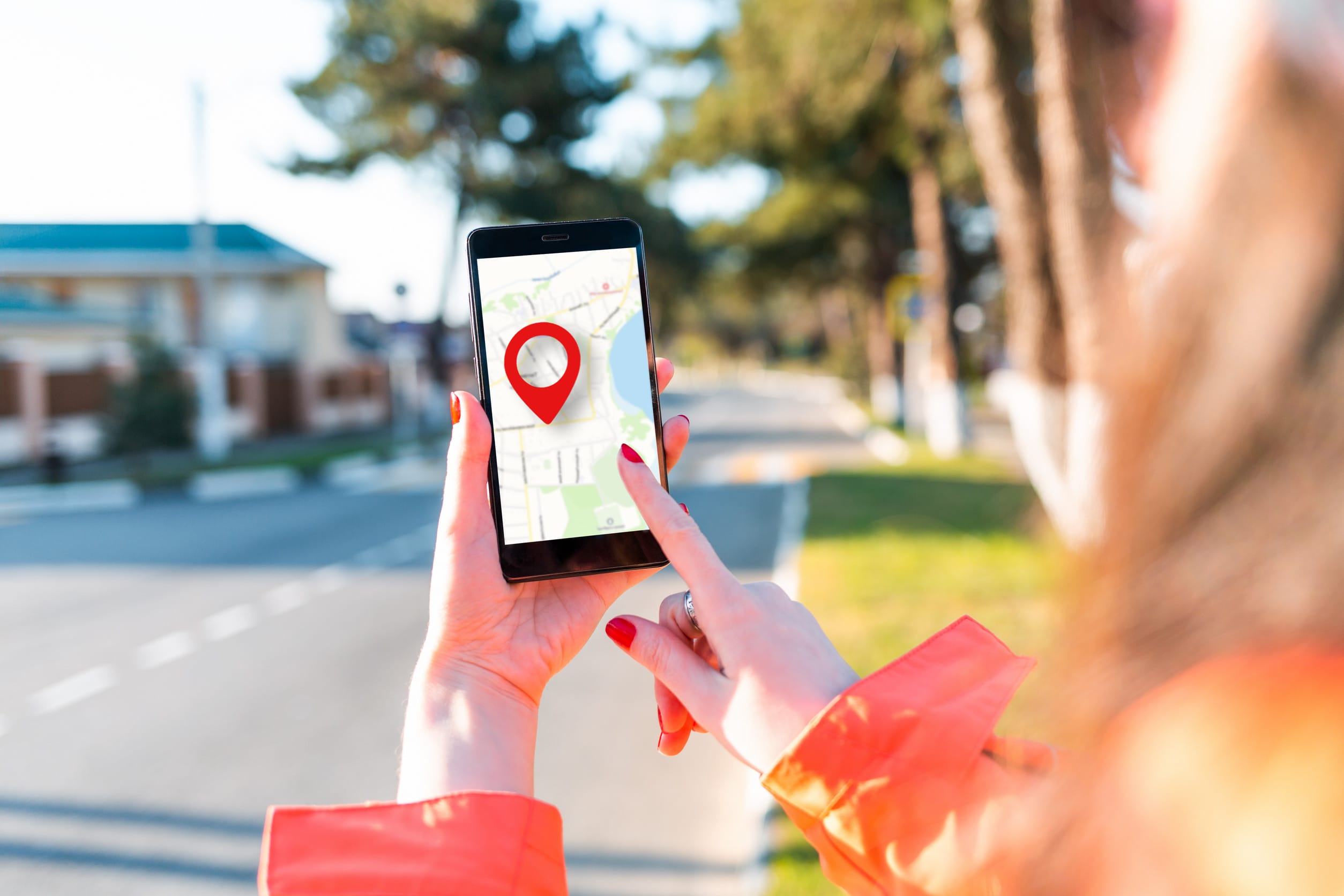
Most of us assume that if we reject cookies or use private browsing, our data is safe. Unfortunately, online tracking doesn’t stop there, and many of the tools used to follow your activity don’t even need your permission. Companies, advertisers, and data brokers collect everything from your clicks to your location, often invisibly. If you think this only affects tech-savvy younger generations, think again—anyone using a smartphone, computer, or smart TV is vulnerable. Let’s break down 10 ways you’re being tracked online without your consent.

1. Device Fingerprinting

Even if you disable cookies, websites can still recognize you using device fingerprinting. This method collects details about your screen resolution, browser type, operating system, fonts, and plugins. Combined, these traits create a nearly unique “fingerprint” of your device. It’s nearly impossible to avoid and works silently in the background. Many websites use this to build profiles on you without needing any approval.

2. IP Address Tracking

Your IP address reveals your approximate location and can be linked to your internet service provider. Marketers and data firms use it to map where users live, browse, and shop. While VPNs can mask this information, most people don’t use them regularly. This is one of the most basic forms of online tracking, yet it’s incredibly effective. Even clicking a link in an email can expose your IP to third parties.

3. Invisible Pixels and Web Beacons

Tiny, invisible “tracking pixels” are hidden in emails, ads, and websites to log when and where you view content. These 1×1 pixel images load when you open a page or email, and silently report data back to advertisers. You won’t see them, but they’re constantly watching. They’re often embedded in newsletters, retail messages, and even forwarded content. Blocking images in email settings can help, but few people do it.

4. Location Tracking via Apps

You might have turned off GPS tracking, but your apps can still collect location data in other ways. Many apps access Wi-Fi networks, Bluetooth beacons, and even motion sensors to track where you are. Some apps share this information with data brokers, who then sell it to marketers or even law enforcement. This happens without your direct knowledge and often continues in the background. Be sure to review location permissions in your phone settings regularly.

5. Browser Autofill Data

When your browser offers to “remember” usernames, passwords, or credit card info, that convenience comes at a cost. Malicious websites can sometimes trigger autofill fields to capture your information without you knowing. Even trusted sites may store autofill data in insecure ways. That means your personal data could be used in online tracking or exposed in breaches. Consider turning off autofill and using a secure password manager instead.

6. Social Media Pixels

When you visit sites with embedded Facebook, Instagram, or TikTok pixels, those platforms can track your activity—even if you don’t click or interact. These tools allow social networks to build off-platform behavioral profiles to target you with ads. If you’ve ever looked at a product and then seen it on your feed moments later, this is why. Logging out of social platforms doesn’t stop the tracking either. Using browser extensions like ad blockers may reduce pixel tracking.

7. Smart Home Devices

Smart TVs, speakers, and home assistants often listen more than you realize. Many collect voice data, user behavior, and viewing history to “enhance experience”—then send it to third-party analytics firms. These devices often bury online tracking permissions deep in their terms of use. Even your thermostat or fridge might be logging data if it’s connected to the internet. Regularly review your smart device settings and limit permissions.

8. Third-Party App Integrations

Ever log in using “Sign in with Google” or “Continue with Facebook”? That shortcut opens the door to third-party tracking across multiple platforms. These integrations often share your email, activity, and contacts between companies. The more services you connect, the easier it is for data to be compiled into one giant profile. It’s convenient—but not private.

9. Wi-Fi and Bluetooth Scanning

Retail stores, malls, and even airports use Wi-Fi and Bluetooth tracking to monitor customer movement and dwell time. Even if you don’t connect to public Wi-Fi, your device sends out signals that can be used to identify and track you. Businesses use this data to analyze foot traffic or push location-based ads. Your device becomes a tracking beacon just by being powered on. To reduce this, disable Wi-Fi and Bluetooth when not in use.

10. Search Engine Profiling

Search engines like Google collect every query you enter, which reveals a lot about your interests, health, and habits. Even in incognito mode, your search activity may still be tracked via IP address and device info. This data builds a detailed profile of who you are and what you want. Switching to privacy-focused search engines like DuckDuckGo can limit this exposure. Still, most users underestimate how deeply search history contributes to online tracking.

The Digital Footprint You Didn’t Mean to Leave

The truth is, opting out of online tracking isn’t as simple as clearing cookies or turning on private mode. The internet is designed to gather data in ways most people don’t fully understand—and rarely consent to. Awareness is the first step to protection. Once you know how you’re being tracked, you can take meaningful steps to minimize it. The online world may be watching, but you don’t have to let it watch everything.

Have you tried to limit your online tracking, or been surprised by how much data companies have on you? Share your tips or experiences in the comments below!

Read More

Squatters Can Legally Take Your Home In These 8 States

7 Ways to Manage Your Online Bank Account Efficiently

Amanda Blankenship

Amanda Blankenship is the Chief Editor for District Media.  With a BA in journalism from Wingate University, she frequently writes for a handful of websites and loves to share her own personal finance story with others. When she isn’t typing away at her desk, she enjoys spending time with her daughter, son, husband, and dog. During her free time, you’re likely to find her with her nose in a book, hiking, or playing RPG video games.

Read More

  • overspending online
    Why You’re Overspending Online Without Even Realizing It

    You’re not alone if your bank balance keeps shrinking even though you swear you didn’t…

  • financial burnout
    6 Daily Habits That Signal You’re Headed Toward Financial Burnout

    Most people think financial collapse happens suddenly—an unexpected medical bill, a job loss, or a…

  • building wealth
    7 Signs You’re Building Wealth the Wrong Way

    Everyone wants to build wealth. But not everyone does it the right way. In fact,…

  • homeowners insurance
    8 Things You’re Doing at Home That Insurance Companies Hate

    Most homeowners think once they’ve secured insurance, they’re protected, no questions asked. But what many…

  • online savings accounts alternatives
    3 Alternatives to Online Savings Accounts

    Just a few short years ago, I was thrilled to start investing in online savings…

  • coupon vs promo code shopping online
    Coupons vs. Promo Codes: Which Saves More When You’re Shopping Online?

    They both promise discounts, but are coupons and promo codes really the same thing? Online…

Reader Interactions

What did you think about this article?
1 Star2 Stars3 Stars4 Stars5 Stars (No Ratings Yet)
Loading...

Comments

    Leave a Reply Cancel reply

    Your email address will not be published. Required fields are marked *

    Primary Sidebar

    Most Popular

    • Articles
    • Tips
    • Make Money
    • Credit Score Guide
    • Forums
    • Blogs
    • Tools
    • About
    • Contact

    Subscribe to Our Newsletter
    Your subscription could not be saved. Please try again.
    Your subscription has been successful.
    Copyright © 2026 SavingAdvice.com. All Rights Reserved.
    • Privacy Policy